
// press kit
MEMOROLL Press Kit
A notes app that is ready the moment you open it. Your notes live only on your devices and in your own iCloud.
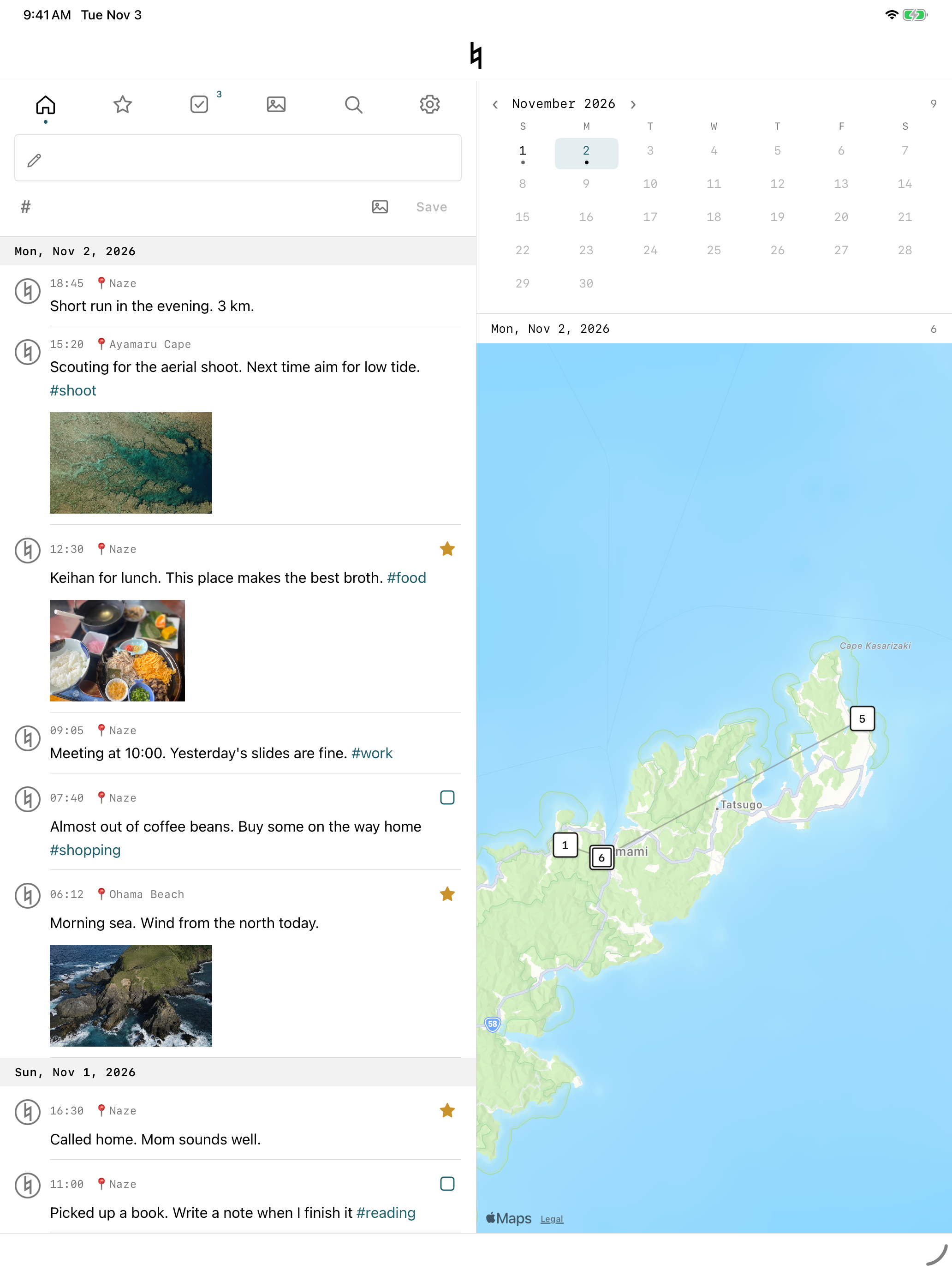
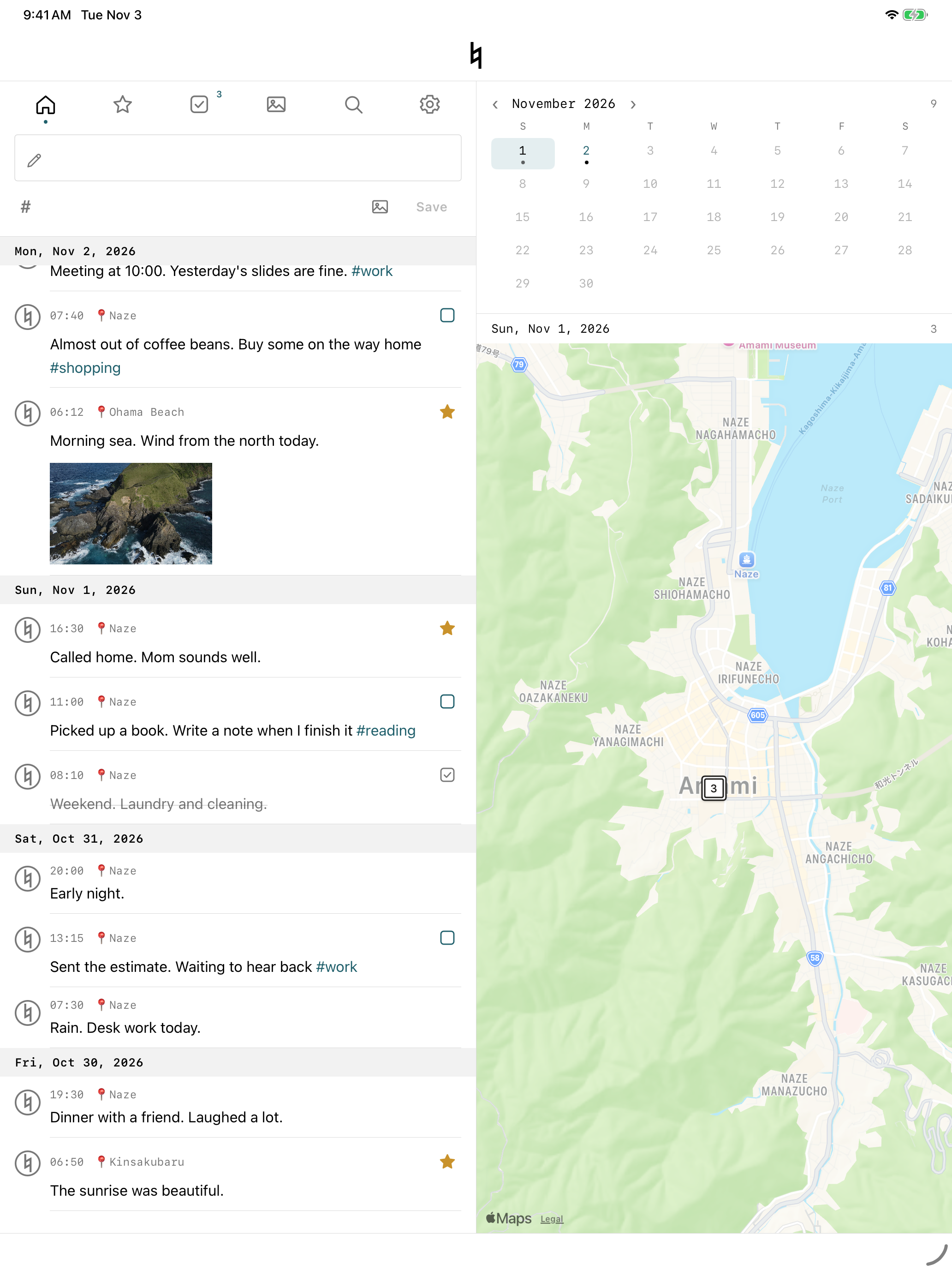
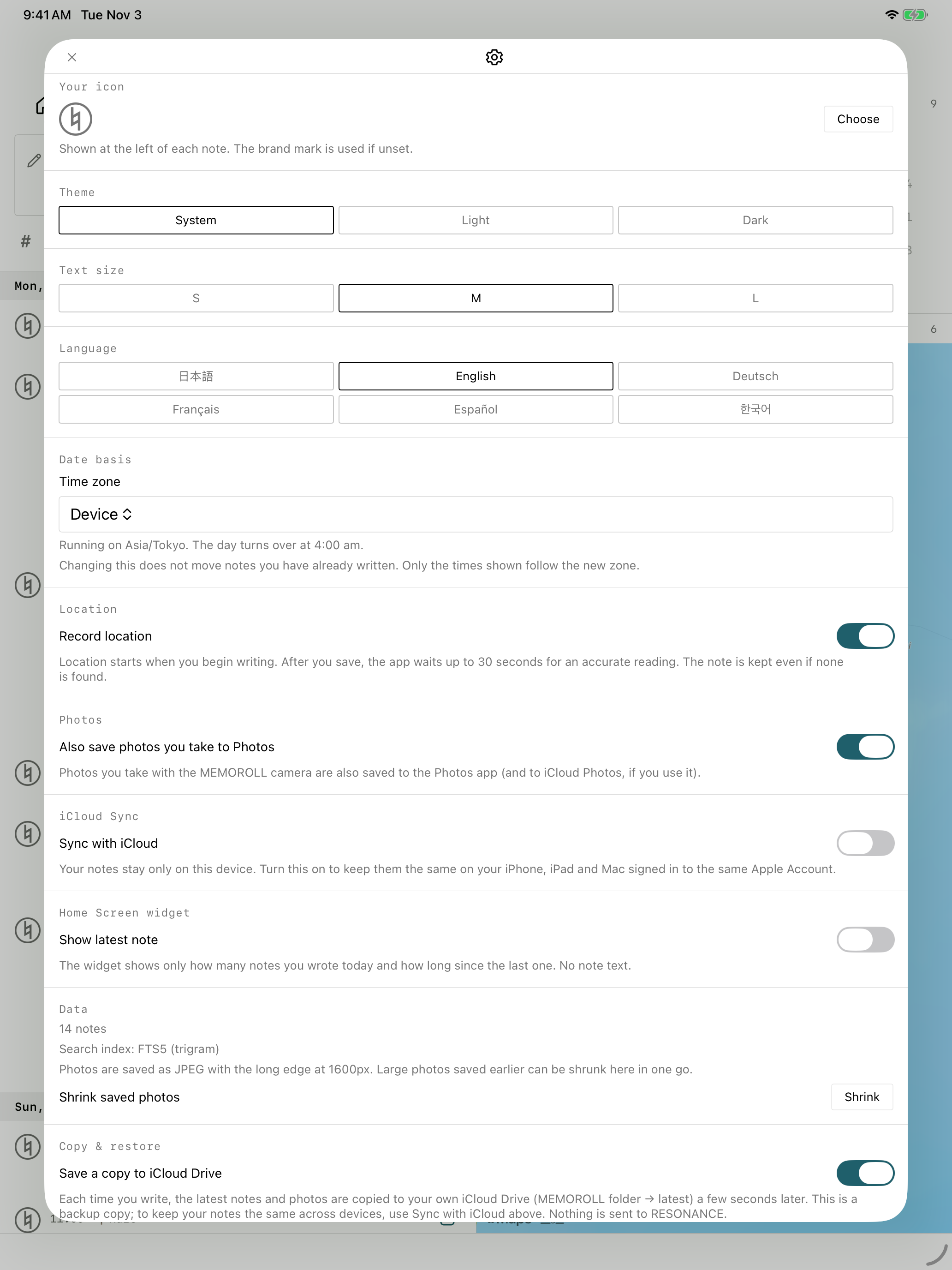
MEMOROLL is a notes app built around one idea: the moment something comes to mind, you should be able to write it down. When the app opens the cursor is already in the input box; there are no titles and no folders. Each note records its time and, if allowed, its place, so notes can be looked back on in a timeline, by day, in a calendar, on a map and through search. There is no account, no analytics and no ads, and notes and photos are kept on the device. Since 2.1, optional sync (off at first) through the user’s own iCloud private database brings the same notes to iPhone, iPad and Mac; note text and places are encrypted with the device’s keys first, and nothing passes through the developer’s servers. A copy also goes to the user’s own iCloud Drive, and everything can be exported and imported as a ZIP.
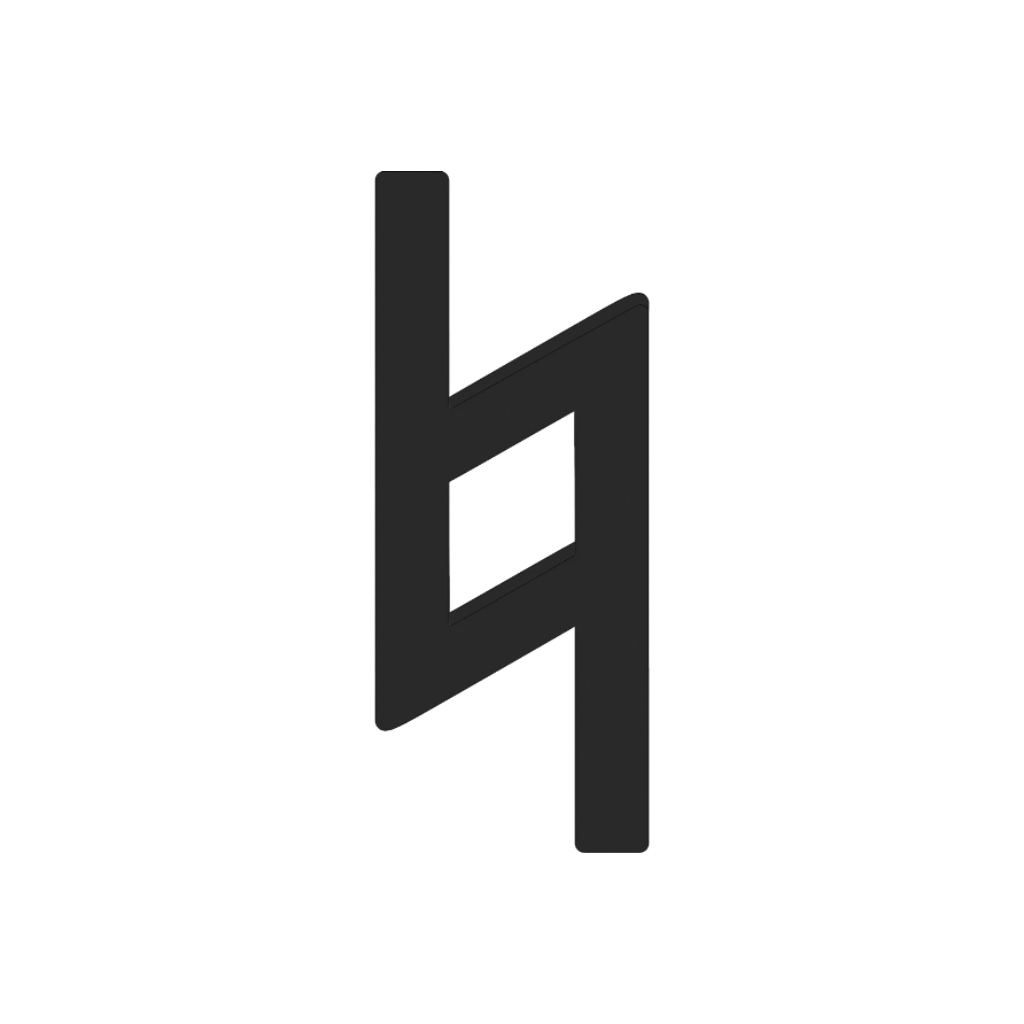
About the icon
The icon is a natural sign (♮) — the musical symbol that cancels sharps and flats and returns a note to its natural pitch. That is what MEMOROLL tries to do for notes: take away the account, the server that holds your notes and the feed, and leave the note as it was written. The natural sign is also the mark of RESONANCE, the company behind the app.
Facts
| Name | MEMOROLL (App Store name outside Japan: MEMOROLL - Memories Stay Yours) |
|---|---|
| Released | September 16, 2026 (1.0); September 18, 2026 (1.0.1); September 21, 2026 (1.1: one tap from the Lock Screen, Control Center, the Action button and Siri); September 30, 2026 (1.2: a Home Screen widget; German, French, Spanish and Korean); October 6, 2026 (1.2.1: deleted notes and photos are removed from the device completely); October 9, 2026 (1.3: Keep on Lock Screen, a Live Activity; widgets follow the app language; a month bar on the map); October 18, 2026 (2.0: rebuilt in SwiftUI; maps now Apple Maps); November 10, 2026 (2.1: iCloud sync, full iPad support, MEMOROLL for Mac, Handoff). Worldwide. |
| Platform | iPhone and iPad (iOS / iPadOS 26 or later), Mac (macOS 26 or later). English, Japanese, German, French, Spanish and Korean (App Store page also in Hindi; notes and tags can be written in any language). |
| Price | Free. No in-app purchases, no subscription, no ads. |
| Privacy | App Privacy: Data Not Collected. No account, no developer servers (sync goes only through the user’s own iCloud), no analytics. |
| Developer | RESDEV, the development division of RESONANCE, K.K. — Amami Oshima, Kagoshima, Japan. Developer: Hideyuki Sakamoto |
| Built with | Swift / SwiftUI, one codebase for iPhone, iPad and Mac (rebuilt from Capacitor in 2.0); on-device SQLite, encrypted at rest by iOS Data Protection; MapKit; CloudKit (CKSyncEngine, private database, note text and places in encryptedValues); iCloud Drive for user-owned backups |
Links
- App Store:https://apps.apple.com/us/app/id6811861479
- Product page:https://resdev.jp/en/app/memoroll/
- Essay: Why I took sync out of a notes app:https://resdev.jp/en/notes/why-no-sync/
- Essay: Why I added sync to the notes app I built without it (2.1):https://resdev.jp/en/notes/why-sync-now/
- Privacy policy:https://resdev.jp/privacy/memoroll/en/
- X (official):https://x.com/memoroll_dev
- YouTube (RESONANCE from Amami Oshima):https://www.youtube.com/@resonance-amami
- Mastodon:https://mastodon.social/@memoroll
Videos
The 2.1 announcement (30 s, with music, English). Vertical (1080×1920) and horizontal (1920×1080).
Short vertical screen recordings (1080×1920, MP4, no sound, English captions). Free to use in coverage.
Assets
Free to use in coverage. App icon (1024 px), iPhone screenshots (10 each in English and Japanese, 1320×2868), iPad screenshots (3 each, 2064×2752), Mac screenshots (2 each, 1280×800), the 2.1 announcement videos (vertical and horizontal), 4 screen videos, and OG images. Download everything (ZIP, 42 MB)
iPhone
 Timeline
 Home Screen widget
 Keep on Lock Screen (1.3)
 Lock Screen widget
 Swipe right: task
 Swipe left: star
 By day
 Map (by month)
 Stars
 Tasks
iPad
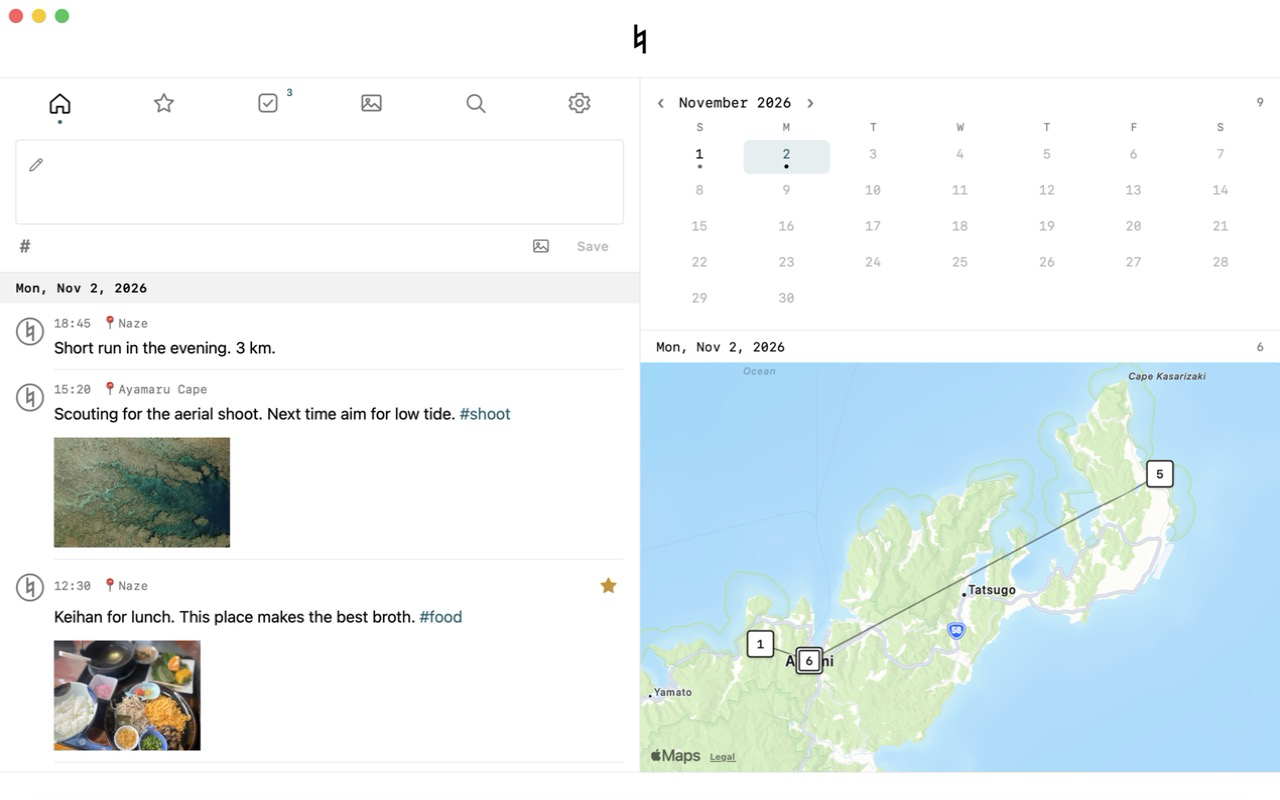
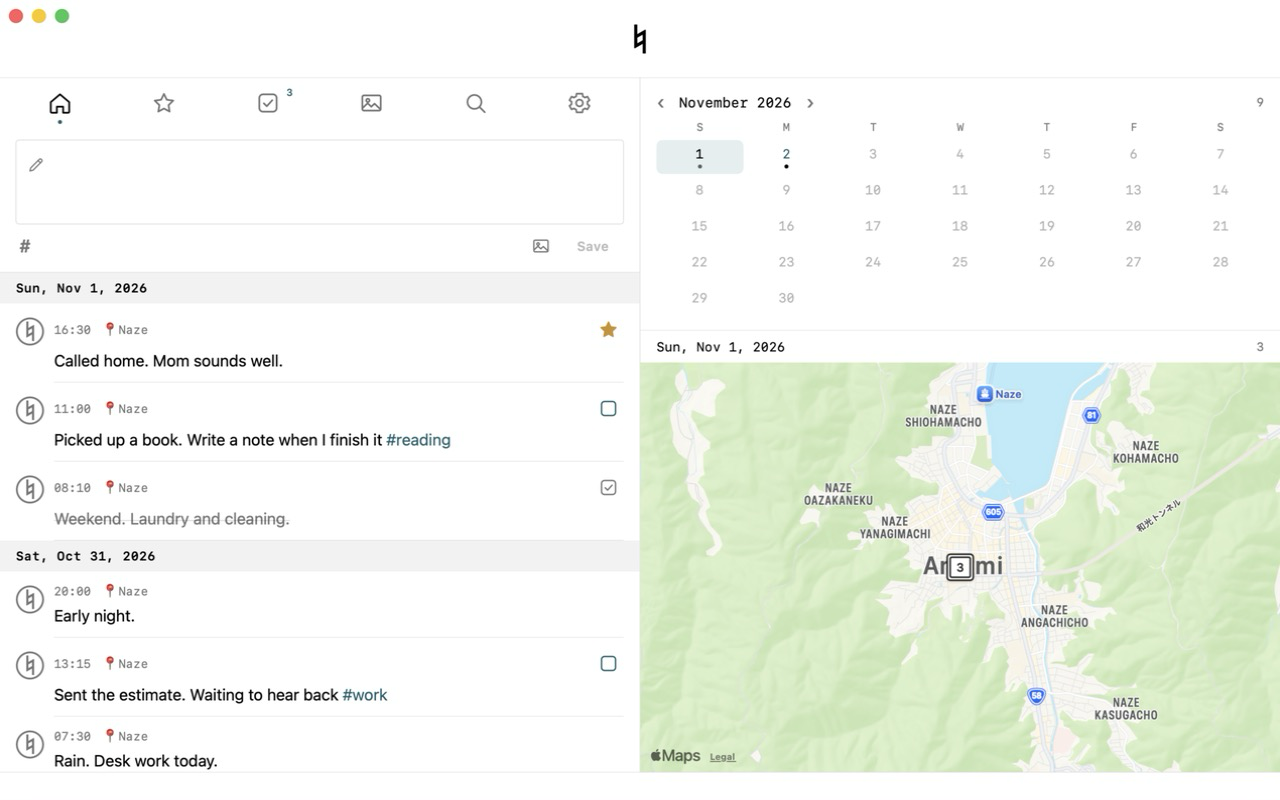
Mac
Contact
Hideyuki Sakamoto — RESONANCE, K.K. / RESDEV
office@res.co.jp
Promo codes for review are available on request.