
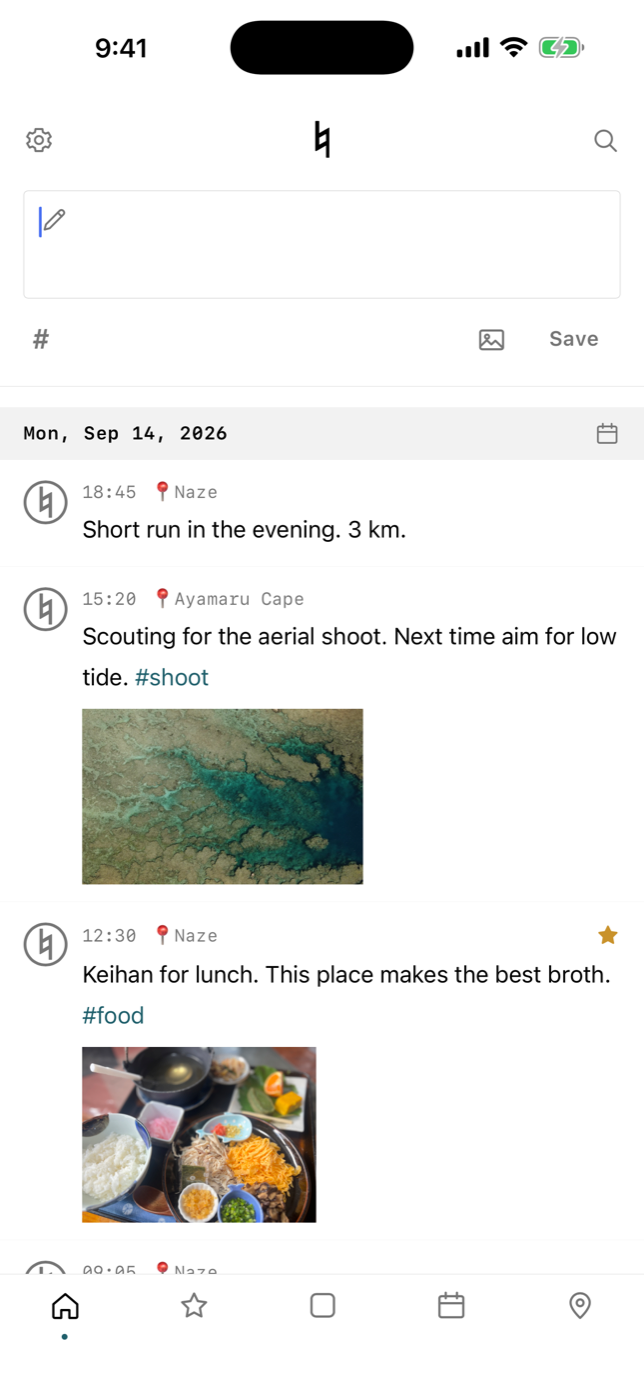
MEMOROLL is a notes app that cuts the steps before writing down to almost nothing. Open it and the cursor is already in the input box, ready for whatever is on your mind. No titles, no folders — instead, every line quietly records its time and place, so you can trace it later in the calendar and on the map.
Notes and photos live on your device. There is no sync server, no account, no advertising and no tracking. Copies go to your own iCloud Drive (MEMOROLL folder), and you can restore from there on a new iPhone.
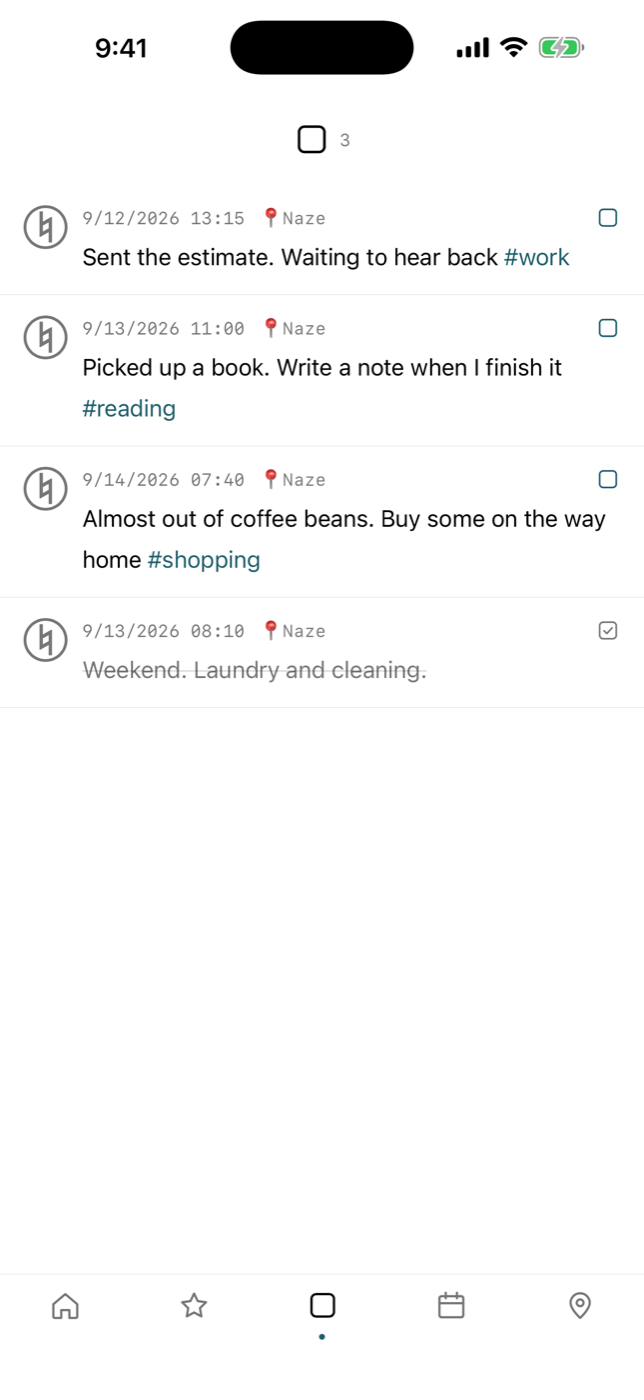
A moment to write, any way to look back
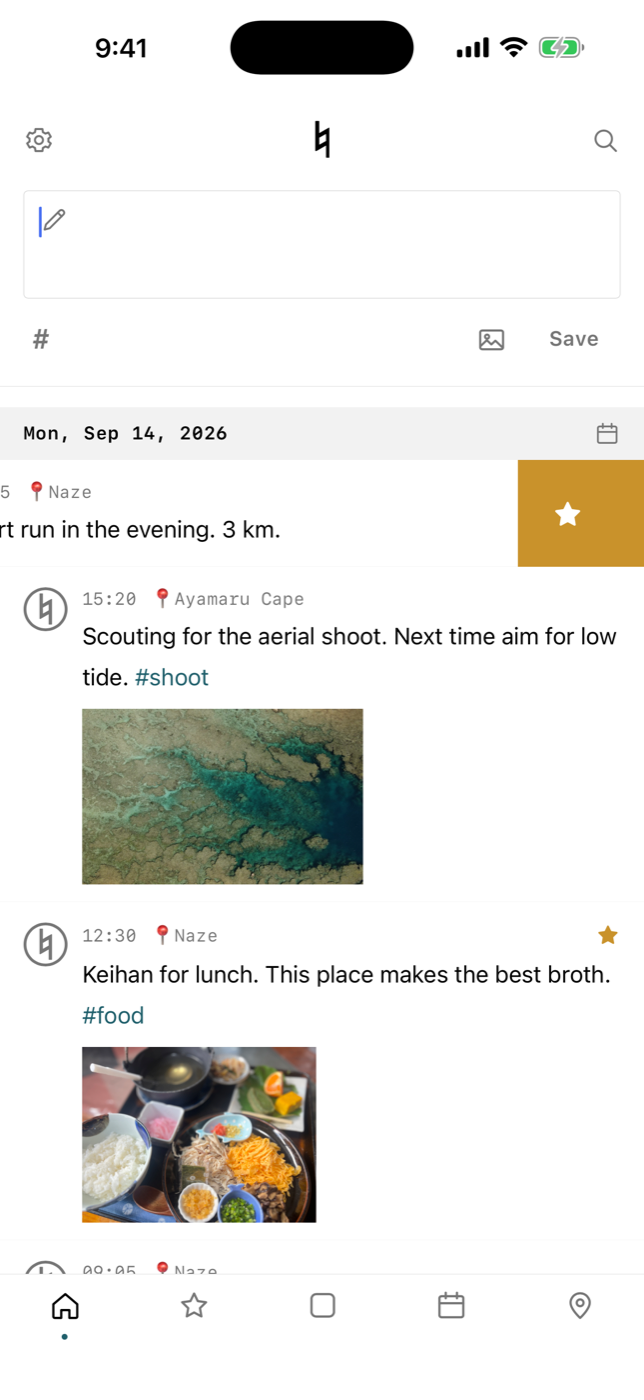
Write the moment you open it
The cursor is in the input box at launch. No titles or folders to choose. Come back after closing the app and you are in the input box again.
One tap from the Lock Screen
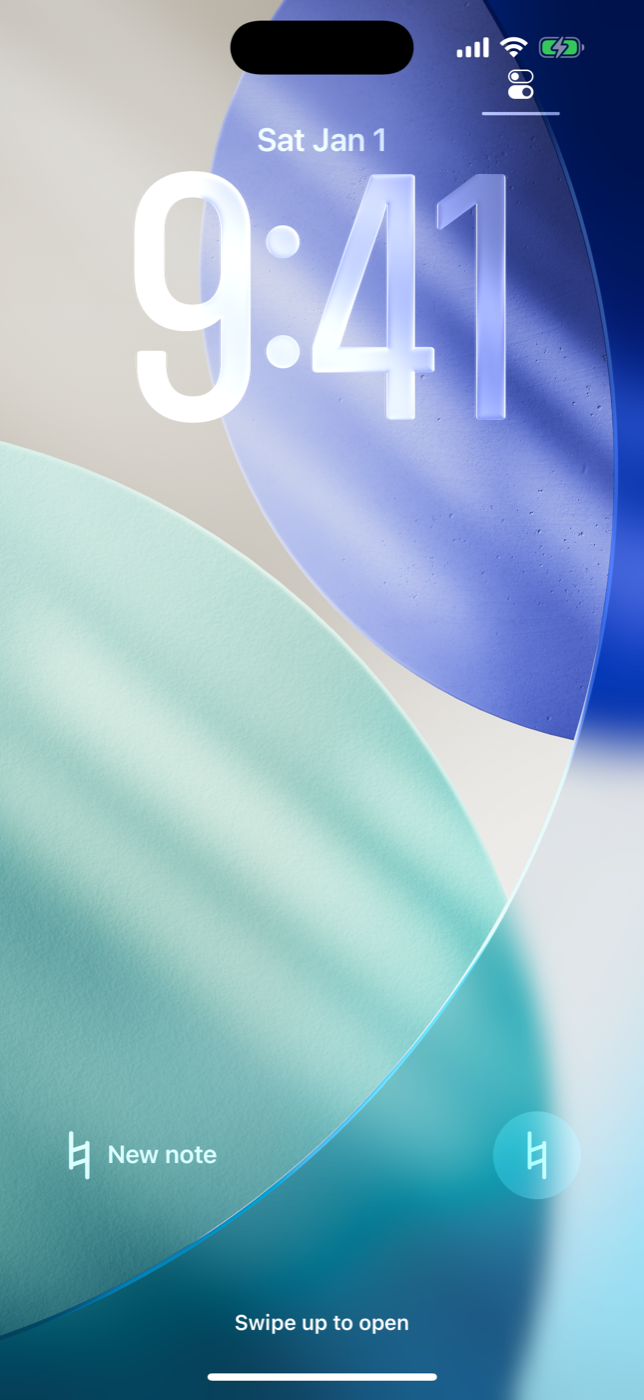
The ♮ widget on the Lock Screen, a Control Center button, the Action button, Shortcuts and Siri. Whichever way in, the app opens ready to write (1.1).
Until 4 a.m. it is still "today"
The day changes at 4 a.m., so a note written late at night stays with the day it belongs to.
Look back in the calendar
Days you wrote on are marked. Flip through the months and open any day as it was.
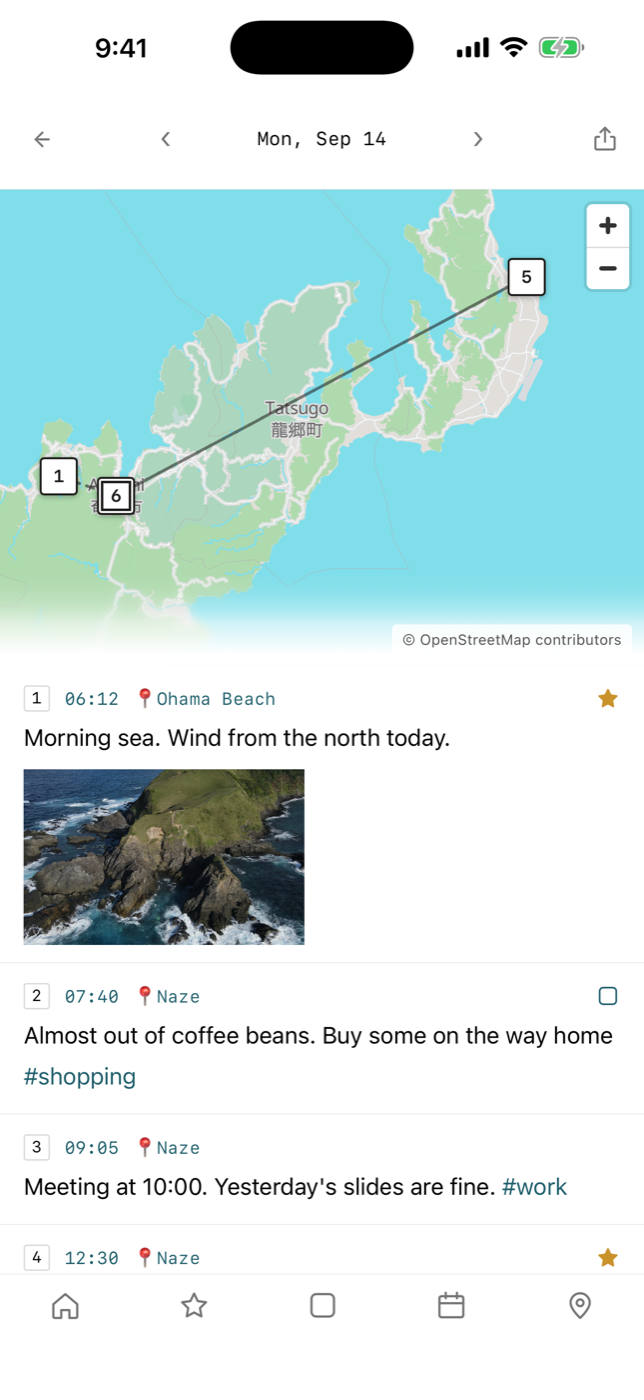
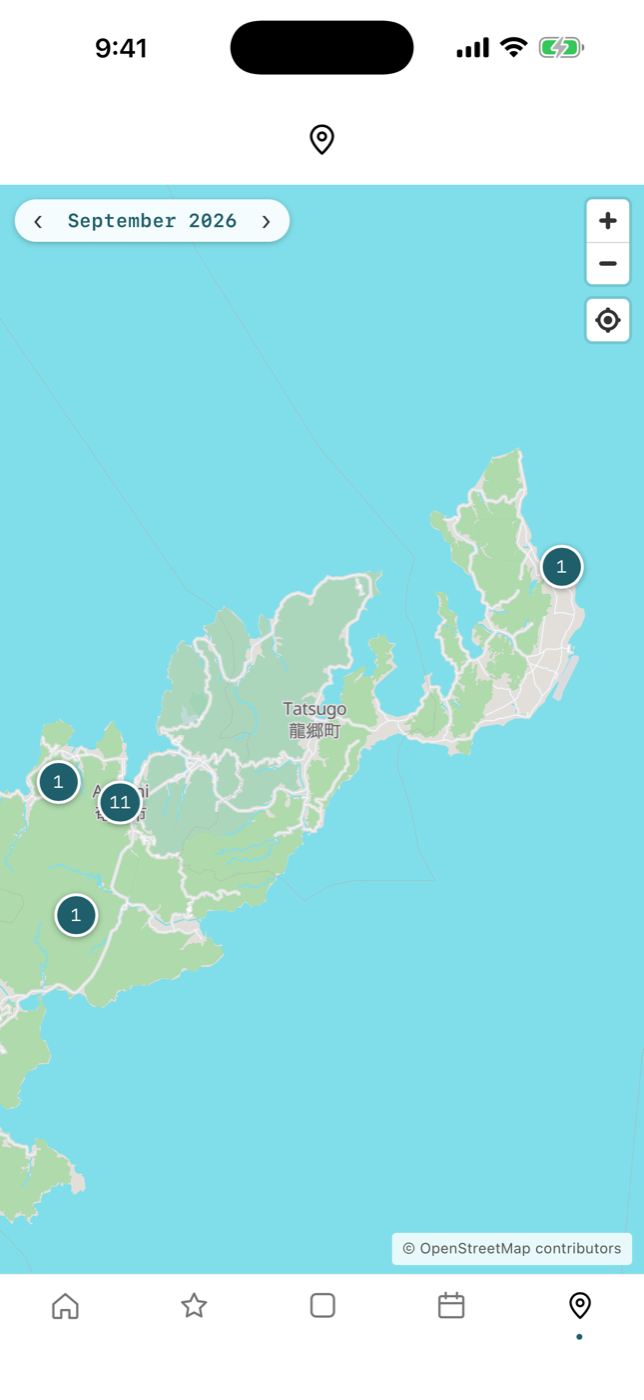
Look back on the map
Notes with location go on a map. Each day's notes are numbered in order and joined by a line.
Photos too
Attach photos from the camera or your library. They are saved with the long edge at 1600 px.
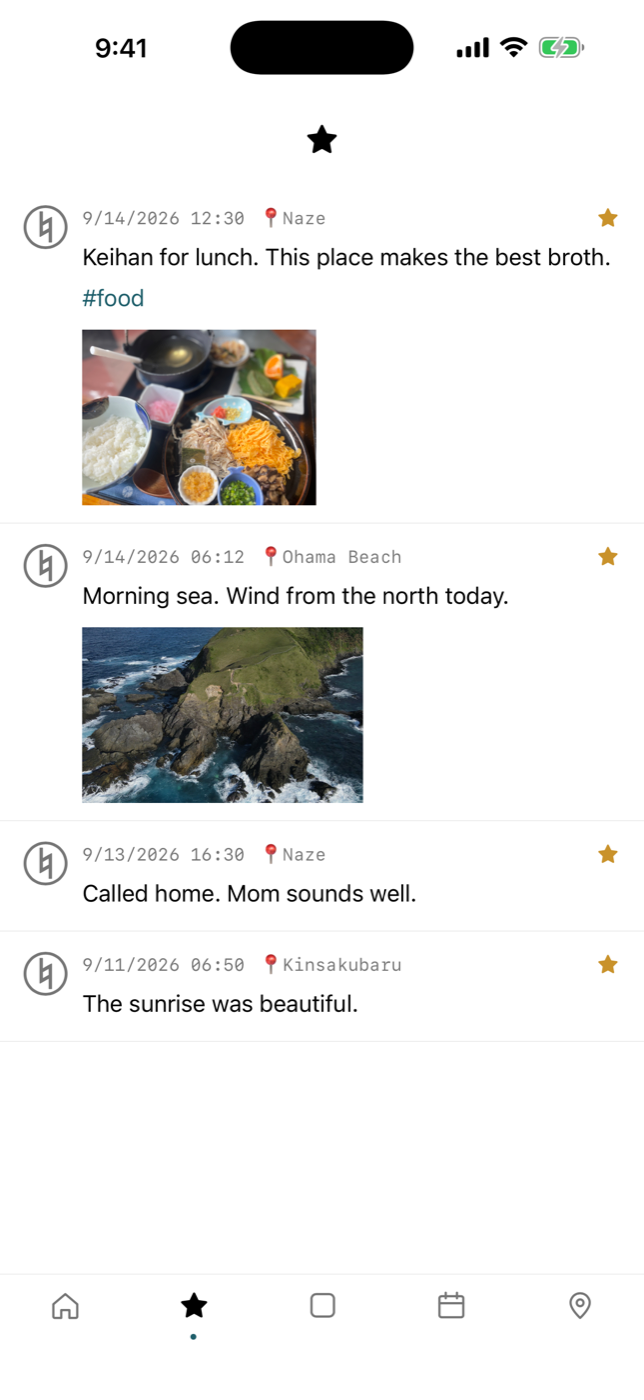
Stars and tasks, with a swipe
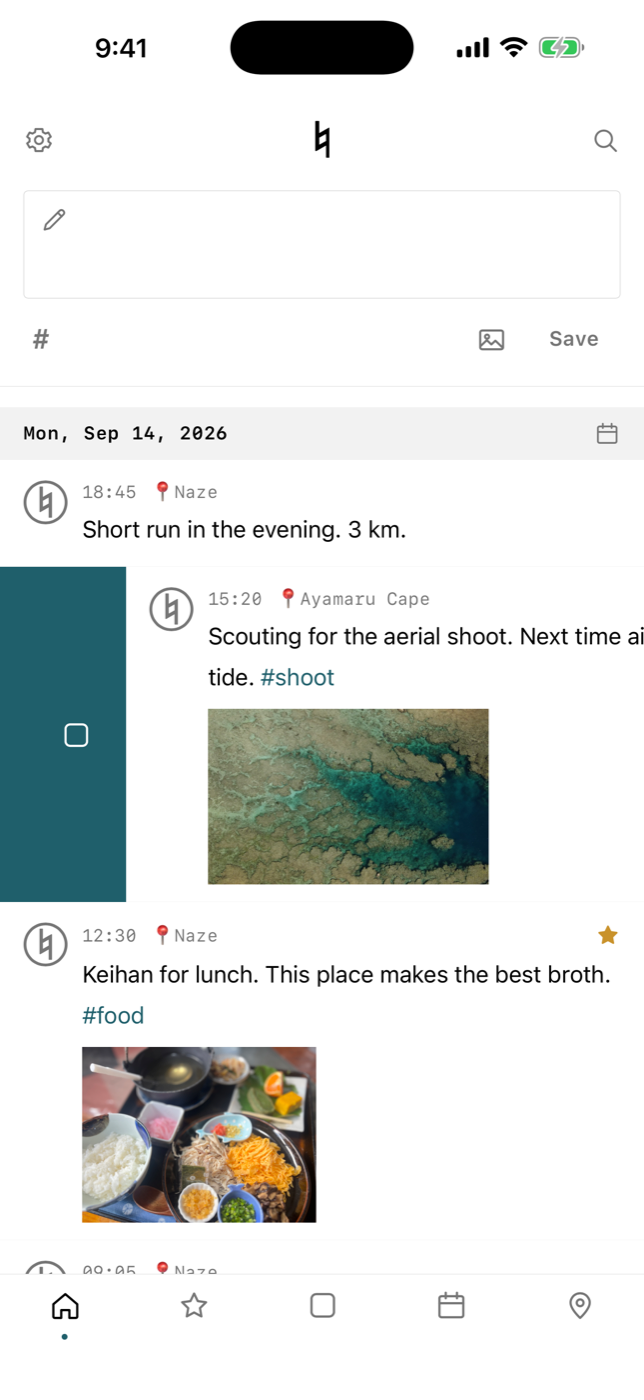
Swipe a note right for a task, again to mark it done. Swipe left for a star. Each has its own list.
Full-text search
SQLite FTS5 (trigram) finds partial matches in any language, including Japanese.
Tags
Write # in the text and it becomes a tag. Type # in the search box to see the tags you have used.
A copy in your own iCloud Drive
The latest notes and photos are copied each time you write; the weekly ZIP goes there too. You can turn it off.
1.1 (September 21, 2026): entry points on the Lock Screen, in Control Center, on the Action button, in Shortcuts and via Siri; always back to the input box; swipe right for tasks, left for stars; copy a note or its coordinates; view the map by month.
What we decided when building it
No sync
Nothing is entrusted to a server, so nothing becomes unreadable when a service shuts down, and no company can look inside. Copies live in your own iCloud Drive and in ZIPs.
No sorting
No folders, no notebooks. Asking you to decide where something goes every time you write makes you stop writing. Search and tags do the work later.
Works offline
Saving and searching happen entirely on the device. Write and search with no signal. Only the map background uses the network.
Stack
- App
- React 19 / TypeScript / Vite / Capacitor
- Data
- On-device SQLite (WAL mode, managed migrations)
- Search
- SQLite FTS5 (trigram tokenizer)
- Map
- MapLibre GL JS / OpenStreetMap-based vector tiles (self-hosted, cached on device)
- Copies
- Copy to iCloud Drive (CloudDocuments), weekly ZIP, ZIP / JSON export & import
- Platform
- iOS 15 and later (iPhone). Lock Screen widget: iOS 17; Control Center, Action button, Siri: iOS 18
Written with web technology and wrapped as a native app with Capacitor. The screens are web, the database is native SQLite on the device — so what we build for the web carries straight over to app development. The one piece we wrote natively is the small plugin that copies to iCloud Drive.
Platform
iPhone (iOS 15+)
Price
Free
Languages
English / Japanese
Latest
1.1 (September 21, 2026): one tap from the Lock Screen and Control Center
Release

Developed by RESDEV, the development division of RESONANCE, K.K. Planned, designed and built in-house. Read: The second before the app opens and Why I took sync out of a notes app. See also the privacy policy. Updates are posted on X @memoroll_dev.
Talk to us about an app
Come to us at the "we want something like this" stage. What we try in our own apps goes straight into client work.
Contact us